Many people still use the default keyboard settings on their laptop, phone, or tablet. That approach works, but it rarely feels comfortable or efficient over time.
A personalized typing setup can improve speed, reduce mistakes, and make writing smoother.
Readers who work on multiple devices know the frustration of inconsistent layouts and slow predictions. Building a system that works everywhere can remove that friction. A few thoughtful adjustments in software, layout, and accessories can turn everyday typing into a much smoother experience.
Understanding What Makes a Typing Setup Personal
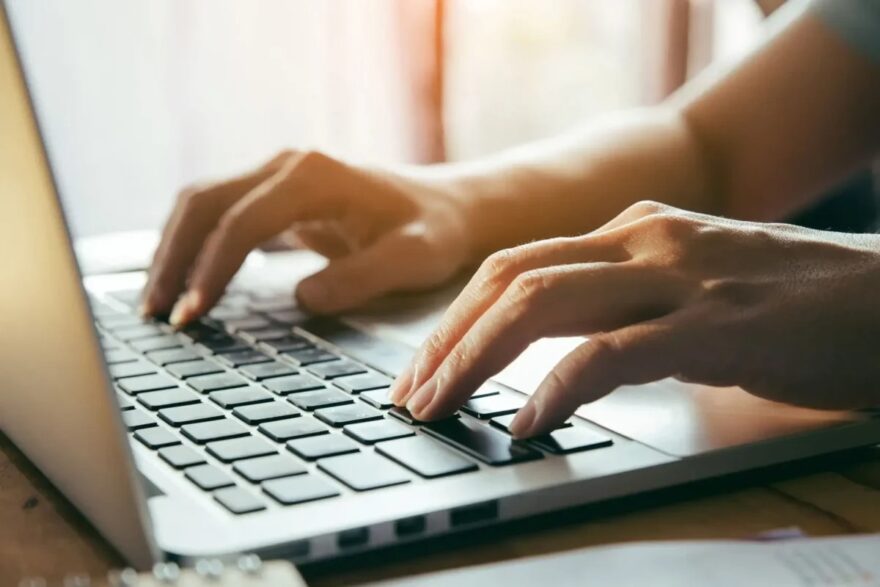
Every typing setup starts with the same basic components. A keyboard layout, input software, and a few comfort adjustments.
Personalization means shaping those elements around your habits rather than adapting yourself to the device.
Some users prefer minimal predictive input. Others rely heavily on suggestions, autocorrect, and gesture typing.
Language also plays a big role. Multilingual users need input tools that switch smoothly between scripts and vocabularies.
Several factors influence how comfortable typing feels during long sessions.
- Keyboard layout familiarity often determines typing speed more than hardware quality
• Prediction systems can reduce keystrokes when they learn your writing style
• Key spacing and tactile feedback affect long term comfort during heavy use
• Device synchronization prevents frustration when switching between phone, tablet, and computer
Small adjustments to these areas often produce noticeable improvements in productivity.
Choosing the Right Input Software
Typing software sits at the center of a personalized typing setup. Modern input engines do more than register keystrokes.
They predict phrases, learn writing habits, and adapt to language patterns.
Many users experimenting with advanced input tools quickly notice the difference in typing flow.
A well trained prediction engine can complete words before the typist finishes entering them.
One example that many multilingual users rely on is 搜狗输入法 (Sogou Input Method).
The software uses AI based prediction and language modeling that adapts to everyday writing patterns.
Typing becomes noticeably smoother once the engine learns commonly used expressions and sentence structures.
Input software alone can transform the typing experience across both desktop and mobile devices.
Hardware Choices That Improve Comfort
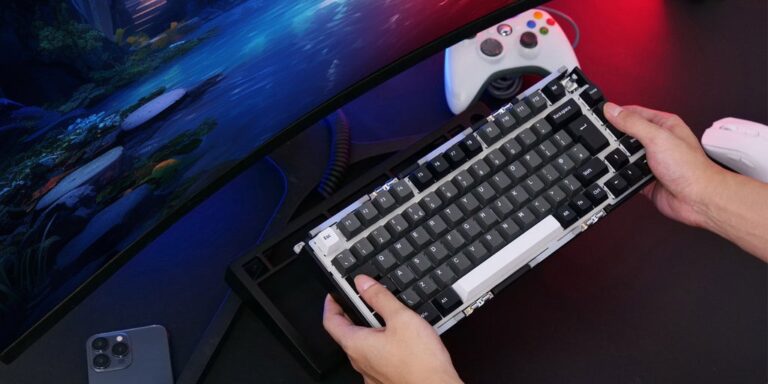
Hardware still matters even in a software driven typing environment. Physical keyboards remain important for laptops and desktop setups, while mobile devices benefit from accessories that enhance ergonomics.
Different hardware types support different work styles. Some users prefer compact portability, while others want full sized layouts that mimic traditional keyboards.
| Hardware Type | Best Use Case | Key Advantage |
| Mechanical keyboard | Desktop writing and coding | Strong tactile feedback |
| Compact Bluetooth keyboard | Tablet and travel setups | Portability |
| Ergonomic split keyboard | Long work sessions | Wrist comfort |
| Phone keyboard case | Mobile productivity | Laptop style typing |
A well chosen keyboard reduces fatigue during long writing sessions.
Comfort often improves further when users adjust typing posture and desk height.
Small changes in hand positioning can prevent strain and support longer, more productive typing sessions.
Fine Tuning Keyboard Layouts and Shortcuts
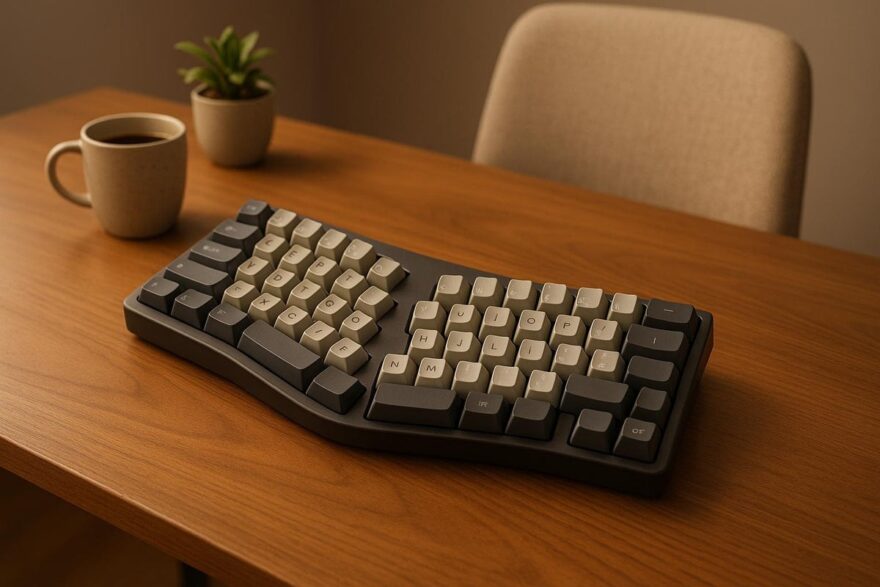
Keyboard layout customization is one of the most overlooked parts of a typing setup. Many users rely on default layouts even when better alternatives exist for their workflow.
Layout adjustments can increase typing efficiency dramatically. Several popular options include optimized key placement or shortcuts designed for repetitive actions.
A few customization ideas often provide immediate benefits.
- Custom shortcuts for commonly typed phrases save time during messaging or documentation
• Alternative layouts such as Colemak or Dvorak may improve typing efficiency for some users
• Symbol placement customization helps programmers and technical writers
• Language switching shortcuts reduce friction for multilingual typing
Shortcuts become especially powerful when synchronized across devices. Muscle memory then carries over between phone, laptop, and tablet.
Synchronizing Your Setup Across Devices
A personalized typing setup becomes most powerful when it works everywhere. Many users work on three or more devices each day, which makes synchronization essential.
Cloud based input tools and keyboard applications allow preferences to transfer automatically between devices. Autocorrect dictionaries, saved phrases, and prediction models can stay consistent across environments.
Research published by Microsoft on cross device productivity shows that consistent input environments reduce task switching friction and typing errors.
Consistency removes the mental adjustment period that occurs when switching between keyboards. When the layout, shortcuts, and predictions remain the same, typing feels familiar no matter which device is in use.
That continuity is one of the most valuable improvements in a personalized typing setup.
Training Predictive Typing to Work for You
Predictive engines improve over time when users actively train them. Many people never realize how much their typing tools can learn from daily writing habits.
Most modern input systems build language models from repeated patterns. Messages, emails, and documents gradually shape predictions so that the keyboard begins suggesting full phrases.
A few habits accelerate that learning process.
- Accept prediction suggestions when they are correct so the system learns faster
• Add frequently used terms to the personal dictionary
• Disable aggressive corrections that frequently change intended words
• Regularly review saved phrases or shortcut expansions
Prediction engines eventually begin anticipating entire sentence fragments. That behavior reduces keystrokes significantly and makes long writing sessions smoother.
A personalized typing setup becomes noticeably more powerful after several weeks of active use.
Creating a Workflow That Matches Your Writing Style
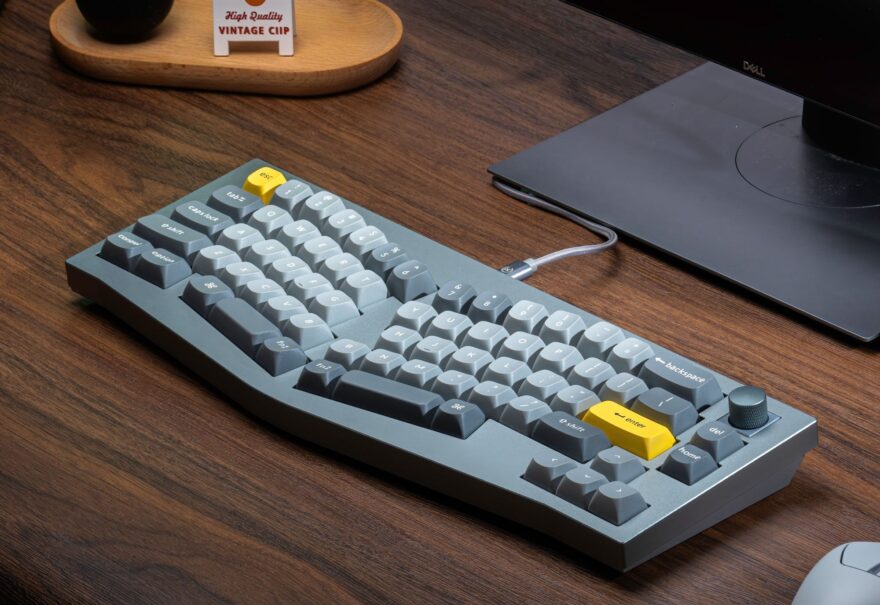
Technology alone cannot create an effective typing environment. The final step involves shaping the setup around personal writing habits.
Some writers prefer distraction free layouts with minimal prediction features. Others benefit from advanced tools that automate punctuation, emoji suggestions, or phrase expansion.
A balanced workflow usually includes several elements working together.
- Reliable input software that learns from daily writing
• Comfortable keyboard hardware suited to long sessions
• Custom shortcuts for repetitive expressions
• Cloud synchronization across all devices
Once these pieces align, typing begins to feel less mechanical and more fluid.
Many professionals notice improved focus when their typing setup removes small daily frustrations. Words appear faster, mistakes decrease, and writing flows naturally.
Final thoughts
Typing may feel like a simple everyday action, yet the tools behind it shape how easily ideas move from mind to screen.
A personalized typing setup turns ordinary keyboards and input apps into systems that adapt to the user.
Modern devices already contain powerful tools for prediction, customization, and synchronization. Many people simply never adjust them beyond the default settings.
Taking time to refine input software, hardware choices, and shortcut systems can dramatically improve writing comfort and speed. Over time the setup begins to mirror the writer’s habits and vocabulary.
When everything works together smoothly, typing stops feeling like a technical task and starts feeling like a natural extension of thought.